Quotes
A quote is a row option available on both Landing Pages and Secondary Pages. These help call out a quote using a large font and options for background images and colors.

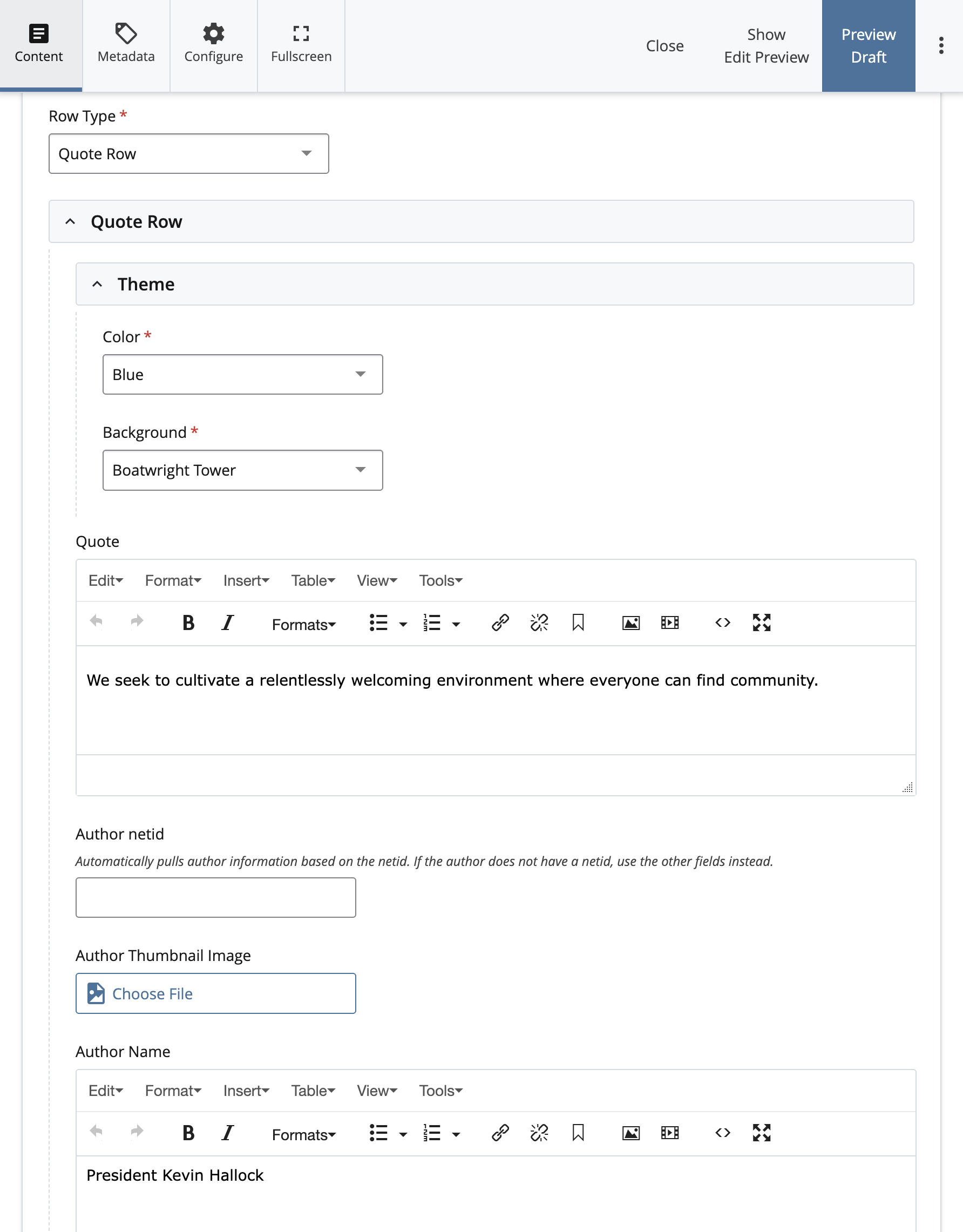
Creating a Quote Row
To create or edit a Quote Row, begin by selecting “Quote Row” under the Row Type menu. Under the “Theme” menu, you can select your Color and Background options. After that, you can insert copy into the Quote text region. Because a quotation mark appears in the Quote Row by default, you do not need to add quotations at the beginning or end of your quote.
If the quote comes from a staff or faculty member, you may enter their NetID into the “Author netid” field, which will automatically pull their name, title, and headshot (if available). Alternatively, you may enter the author’s information manually in the fields below. A thumbnail image can be created on the _cdncontent image server by following our Lead Media guidance.