Announcements & Information
There are times when it is helpful to place additional emphasis on a piece of information on a webpage. Two content types in Cascade help support this: Announcements and Information. They are available on both Landing Pages and Secondary Pages.

Announcements are used most often and help to convey urgent, timely content, as indicated by the megaphone icon.
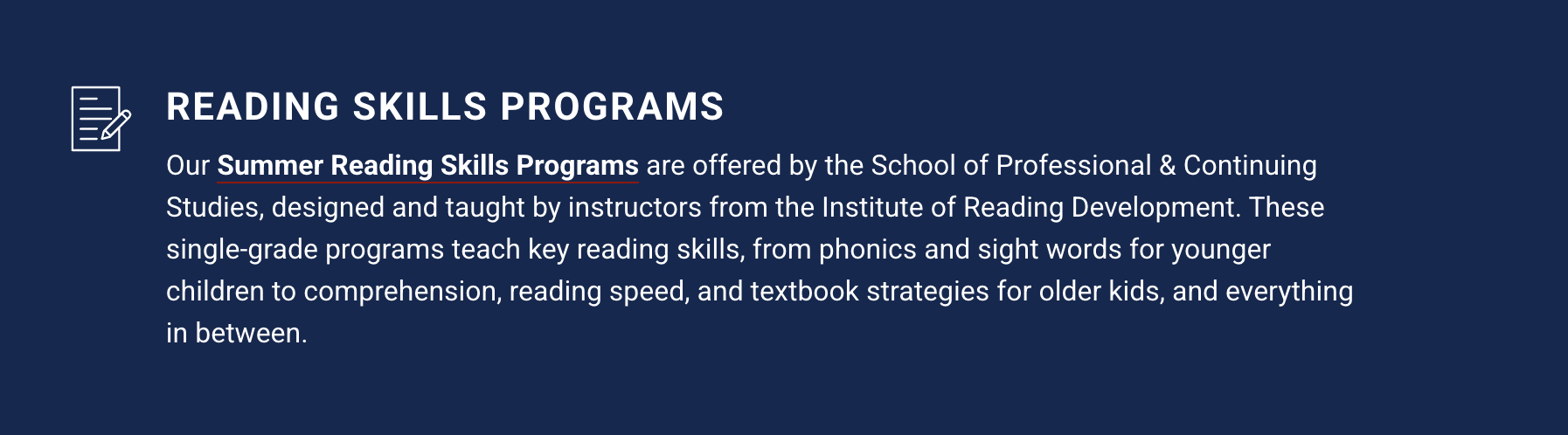
Information is less timely, and is most useful in ensuring an important piece of information is highly visible on the page. The icon accompanying information is of paper and pencil. Information can have one of three theme colors: white, blue, or red.
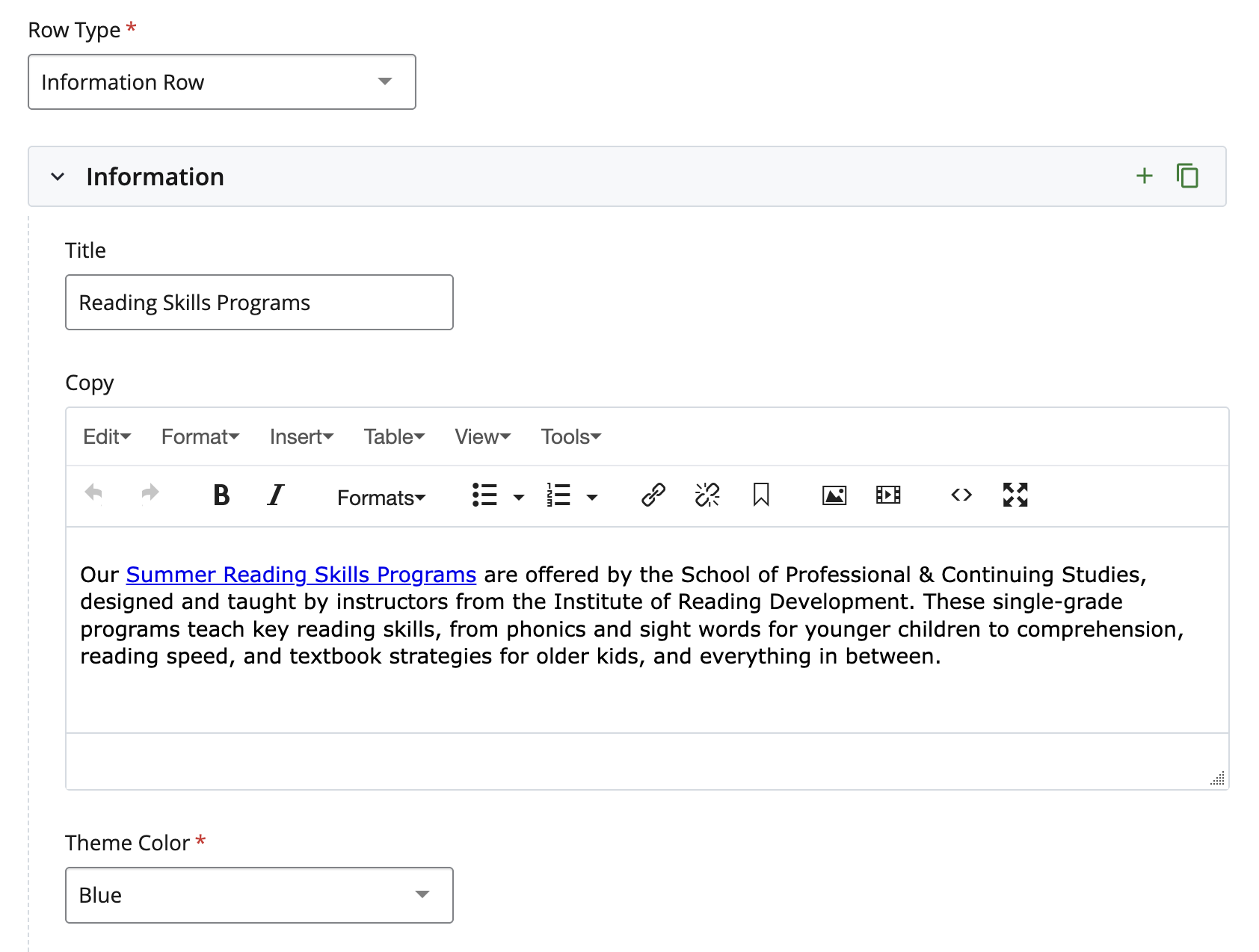
Adding as a Row
To add Announcements or Information to a row on a page, open up the Row Type menu from a row, and select “Announcement Row” or “Information Row.” For either, fill out the Title and Copy fields. For an Information Row, select your Theme Color from the dropdown menu.
Adding as a Content Type
To add Announcements or Information within the Main Content Region of a Secondary page, open up a Content Region and select “Announcement” or “Information” from the Content Type menu. For either, fill out the Title and Copy fields. For Information, select your Theme Color from the dropdown menu.